Docs › Tour of the console › Server settings
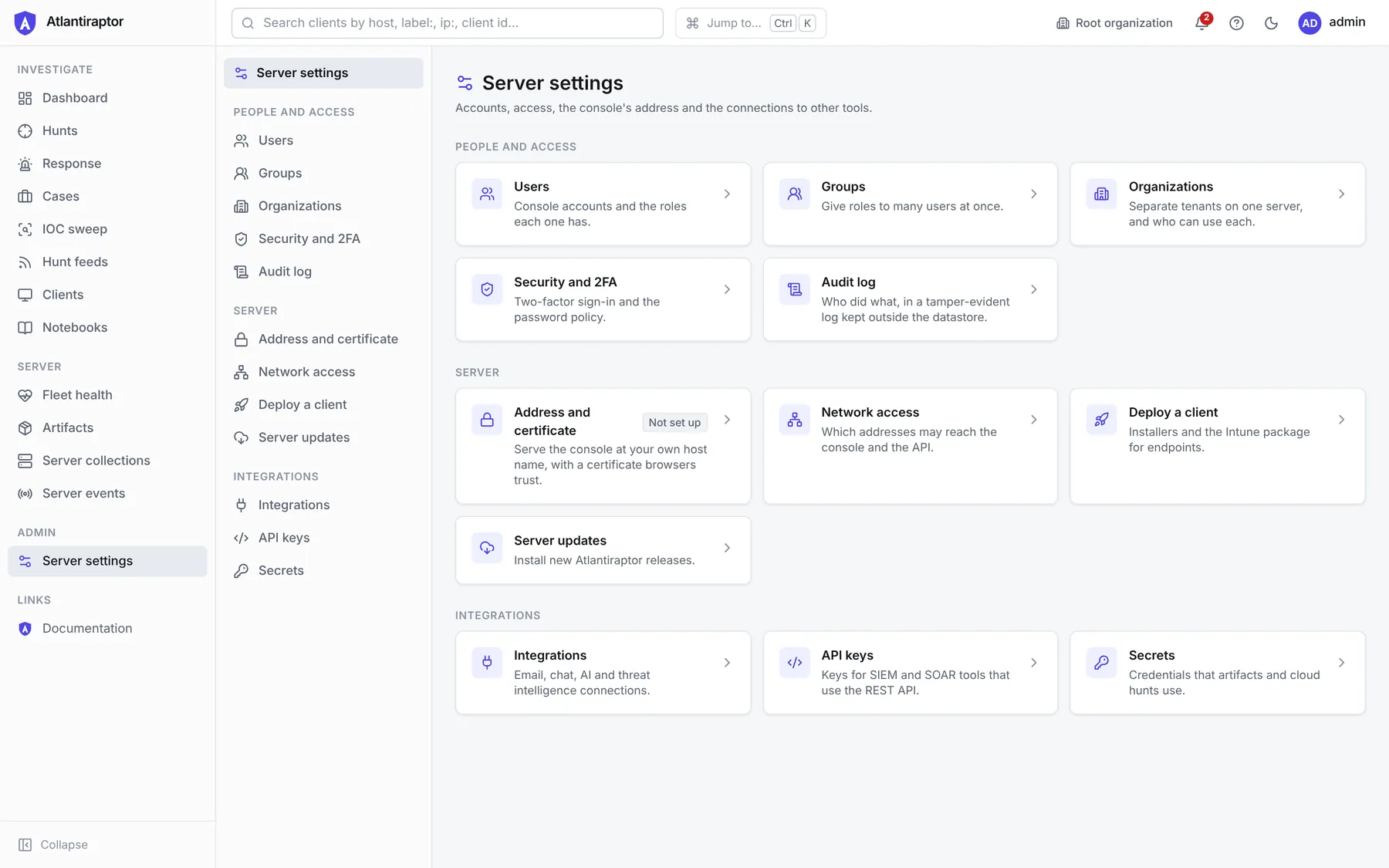
Server settings (under Admin in the sidebar) collects every
administration page in one place. Only administrators see it. The
overview shows each page as a card with a line on what it is for, and the
list on the left stays open while you move between them.
Server settings: People and access, Server, and Integrations, with a card for each page. People and access
Page
What you do there
Users Add console accounts, set their roles and the orgs they can use.
Groups Give roles to many users at once.
Organizations Separate tenants on one server, for example one per customer, and who can use each.
Security and 2FA Your own two-factor sign-in and password, and the two-factor policy for everyone.
Audit log Who did what, in a tamper-evident log kept outside the datastore.
Server
Page
What you do there
Address and certificate Serve the console at your own host name, with a certificate browsers trust.
Network access Which addresses may reach the console and the API.
Deploy a client Install commands, installers and the Intune package for your computers.
Server updates Install new releases, and upgrade Windows agents after the server.
Integrations
Page
What you do there
Integrations Email, Teams or Slack, Splunk or Elastic, AI triage and MISP.
API keys Keys for SIEM and SOAR tools that call the REST API.
Secrets Credentials that artifacts and cloud hunts use, stored encrypted.
Pages keep their own addresses, so older bookmarks such as #/users still
work. Every change on these pages is recorded in the
audit log .